
Introduction to SilicoPhysChem
SilicoPhysChem is an essential integrated tool designed for the rapid insilico calculation of key physicochemical properties of chemical compounds. Central to the early stages of drug discovery, this tool efficiently computes a suite of vital descriptors, including molecular weight, LogP and hydrogen bond donor/acceptor counts, to build a comprehensive molecular profile.
Its primary application lies in supporting high-throughput virtual screening, where it helps researchers evaluate a compound's drug-likeness and predict its fundamental ADMET (Absorption, Distribution, Metabolism, Excretion and Toxicity) properties. By providing these critical insights, SilicoPhysChem empowers scientists to prioritize and optimize lead candidates, effectively filtering for molecules with a greater chance of success and favorable behavior within a biological system.
A Step-by-Step Guide to Execute the Tool
Before executing the tool, you must create a Job ID. You can customize this ID or click the "Create Job ID" button to have one generated for you automatically.
TIP: Without creating a JOB ID, you will not be able to access any options of the tool.

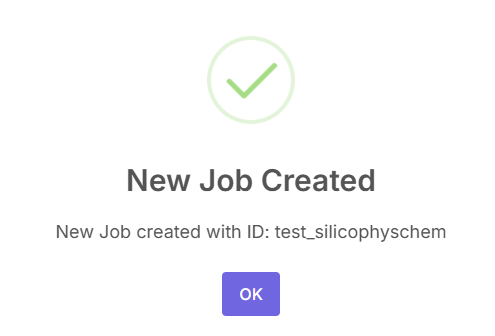
After creating the job ID, a pop-up will be shown that the job has been created.
This is the SilicoPhysChem tool's application workspace page, where various options for calculating the physicochemical properties and drug-likeness profiles of chemical compounds are provided.
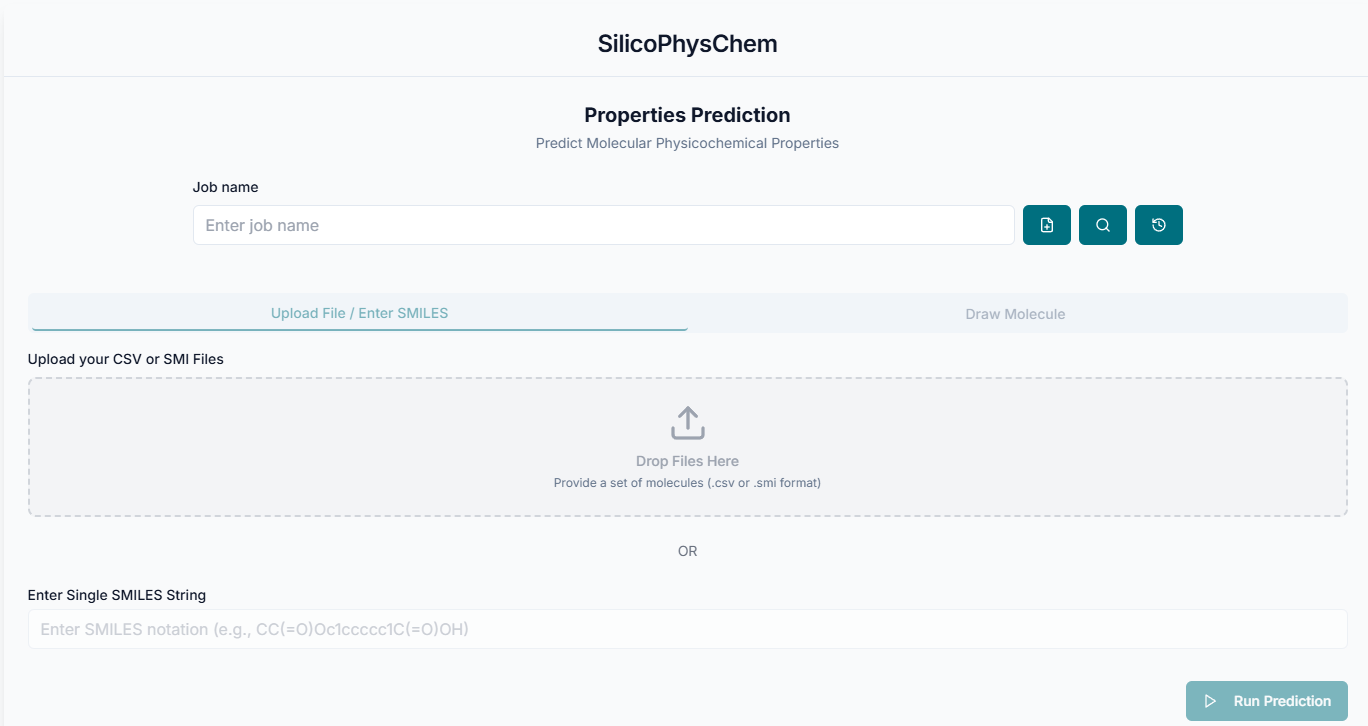
Uploading Files and Running Prediction
After creating the job ID, upload your molecules for analysis by providing a .smi or .csv file, or switch tabs to draw the structure manually. You will also need to specify the SMILES column name from your file.

After uploading the file, click on "Run Prediction".

Filtering and Downloading Results
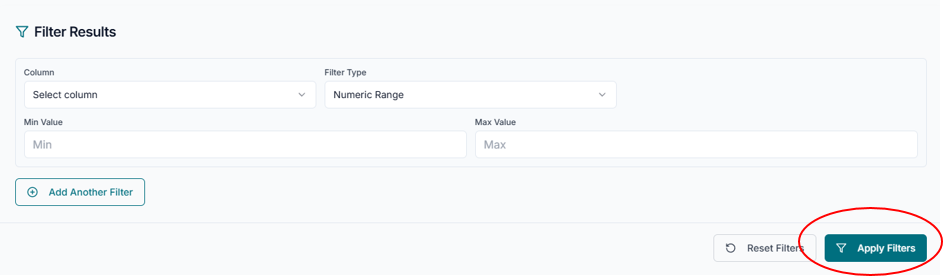
After completion of predictions, to refine your dataset, use the "Filter Results" option to select a property column and apply criteria. Click the "Download Full Results CSV" button to save the entire data table to your computer for further analysis.

After applying the filters, a preview of the results will be shown below.
By completing this tutorial, you have learned to effectively generate, filter, and export vital physicochemical data for your compounds. This skill is crucial for performing initial drug-likeness assessments and prioritizing promising candidates from large chemical libraries.