Introduction to MolConv
MolConv is a user-friendly graphical tool designed to address the critical challenge of interoperability between different chemical file formats. Acting as a central hub for molecular data manipulation, it provides an intuitive interface for seamlessly converting chemical structures between various standard representations, such as SMILES, SDF, and PDB.
This functionality makes it an indispensable utility in computational chemistry and drug discovery, streamlining the often complex process of preparing input files for downstream applications like molecular docking, dynamics simulations and cheminformatics workflows. By simplifying structural data conversion, MolConv allows researchers to efficiently manage and integrate molecular information across diverse software platforms.
A Step-by-Step Guide to Execute the Tool
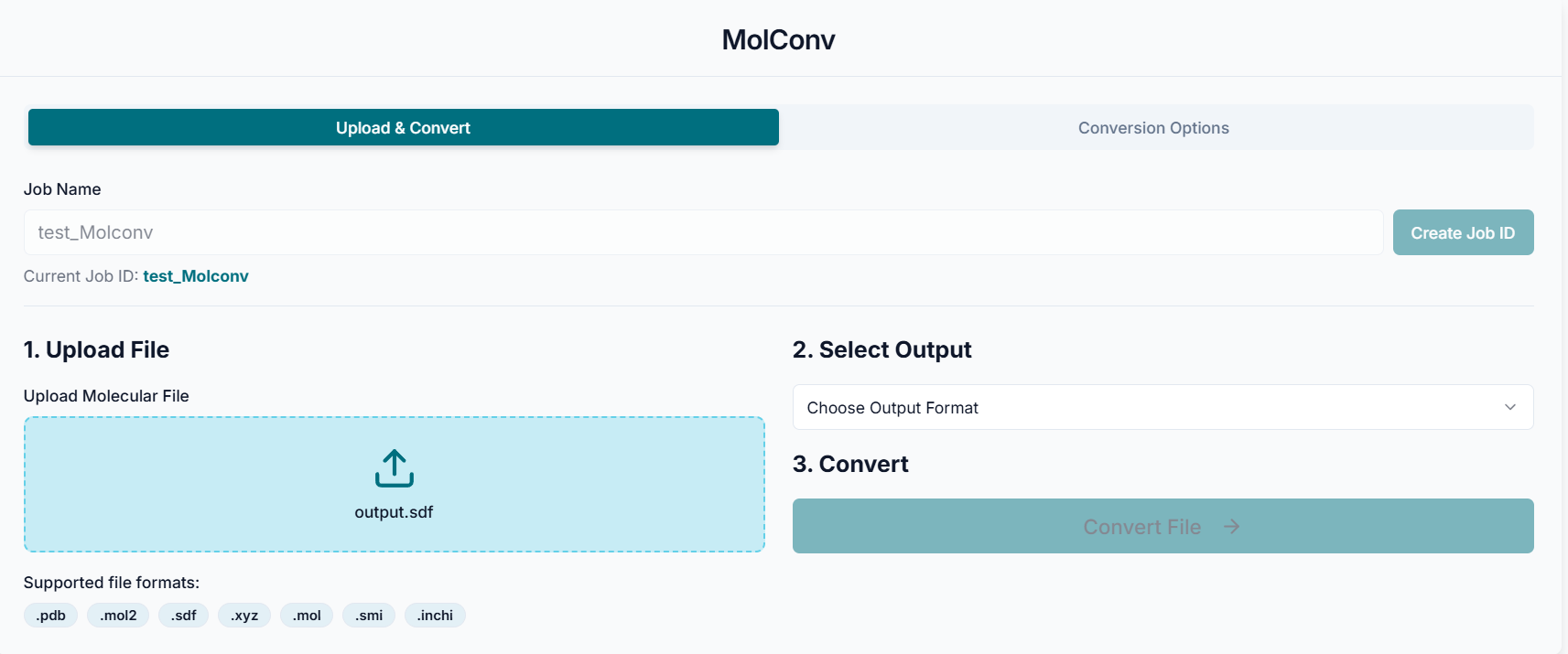
Before executing the tool, you must create a Job ID. You can customize this ID or click the "Create Job ID" button to have one generated for you automatically.
TIP: Without creating a JOB ID, you will not be able to access any options of the tool.

This is the MolConv tool's application workspace page, where various options are provided for converting chemical structure files. This interface allows you to upload your input molecule, choose the desired output format, apply structural modifications, and compute properties such as 2D/3D geometry or partial charges. This tutorial will explain each option in detail, guiding you through the steps required to perform accurate and efficient molecular file conversions for your cheminformatics or computational workflows.
Converting Your File
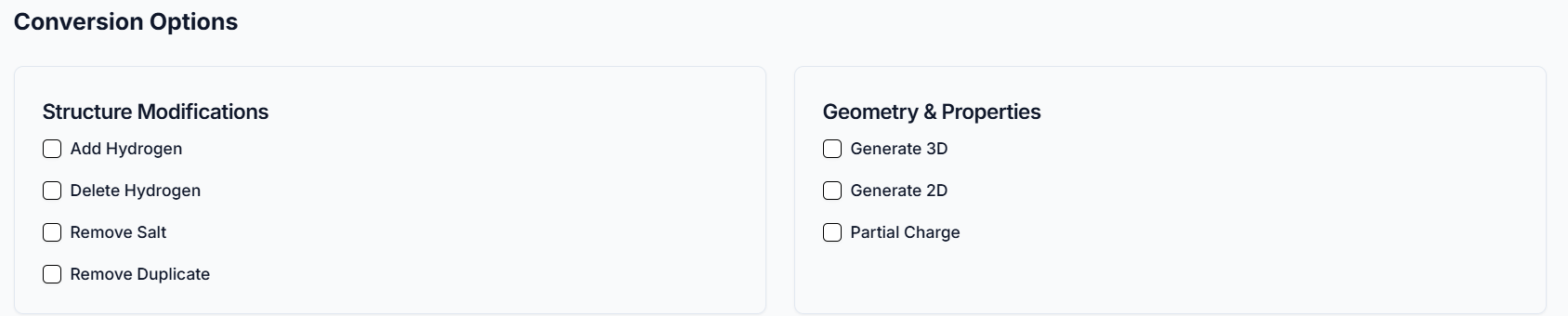
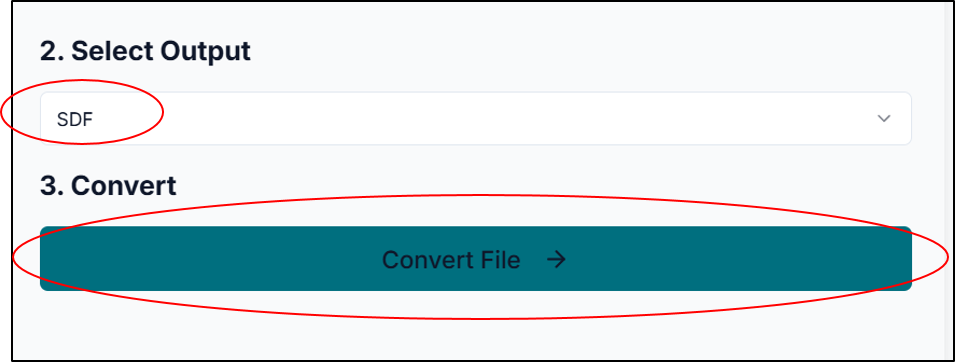
After creating the job ID, upload the Chemical Structure File you need to convert. Choose any additional conversion options based on your needs.
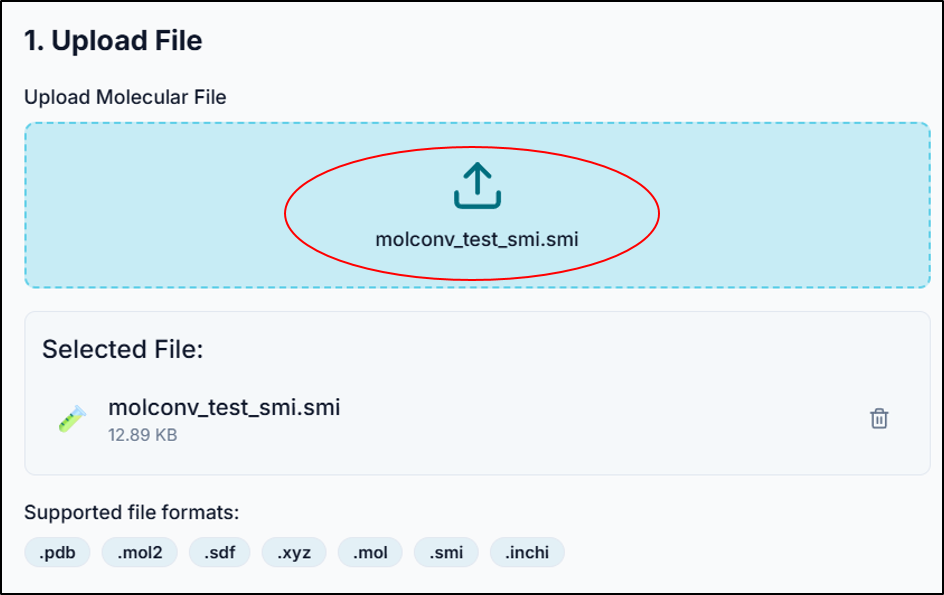
Just select the output format to which you need to convert and click on "Convert File".
Downloading the Converted File
Once conversion is complete, a "Conversion Successful" message will appear along with the name of the converted file. Simply click the "Download File" button to save the output to your device.
With the successful execution of the MolConv tool, you can efficiently convert molecular structure files into formats like SMILES, SDF, PDB or MOL2. Selecting the appropriate output format confirms compatibility with downstream applications such as docking, simulation or cheminformatics analysis. The tool also allows structural refinements and geometry generation to enhance data quality.