
A Step-by-Step Guide to Execute the Tool
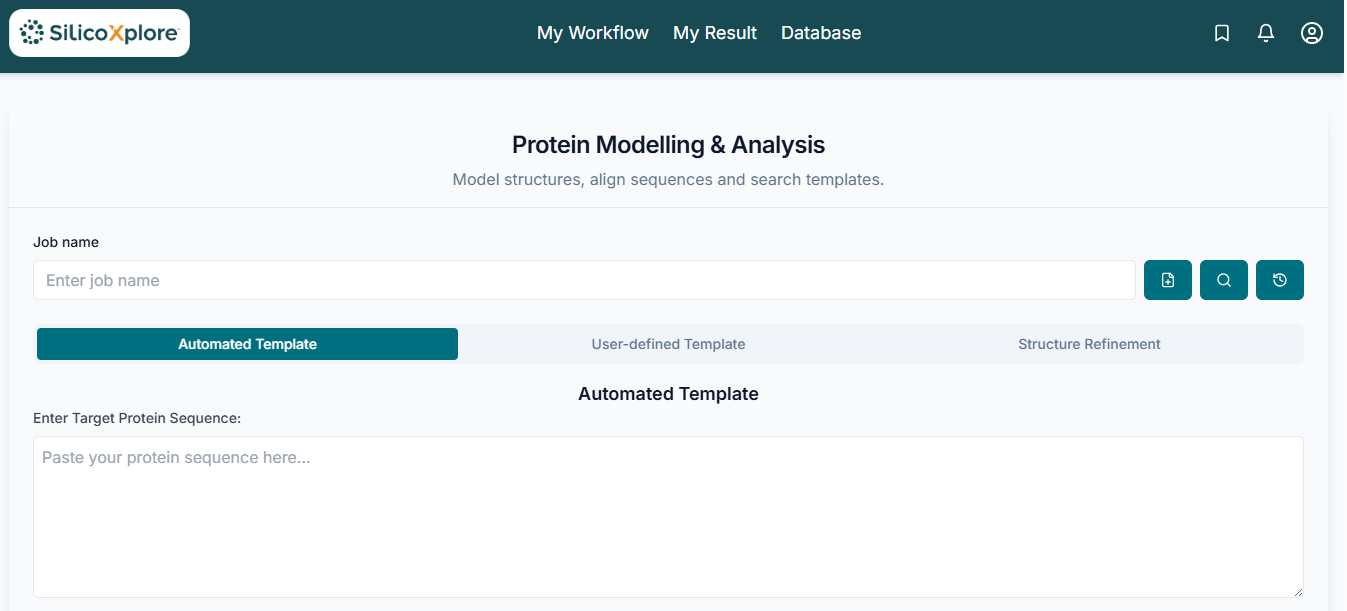
Before executing the tool, you have to mandatorily create a JOB ID. You can customize this ID, or simply click the "Create Job ID" button to have one generated automatically.
TIP: Without creating a JOB ID, you will not be able to access any options of the tool.

Method 1: Automated Template Protein Modelling
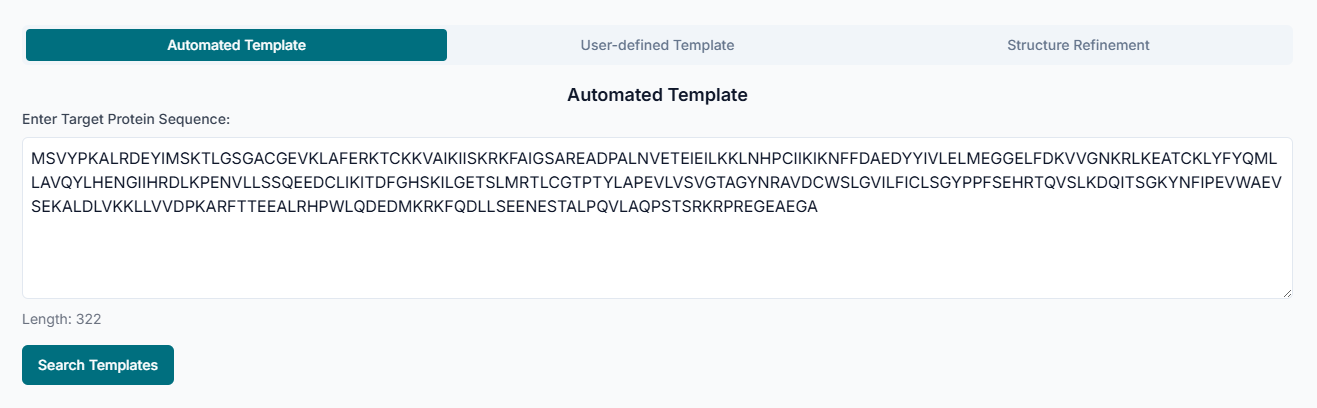
The tool offers three distinct methods. The first method is Automated Template Protein Modelling. This approach is used when you have a protein sequence and want the tool to automatically find the best structural template for building a model.
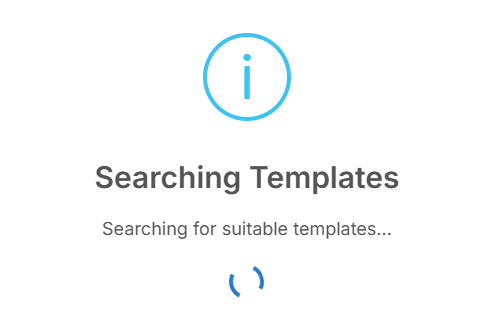
After you provide your protein sequence, the tool will begin "Searching Templates". It scans through protein structure databases to identify and list known structures that are homologous to your sequence.
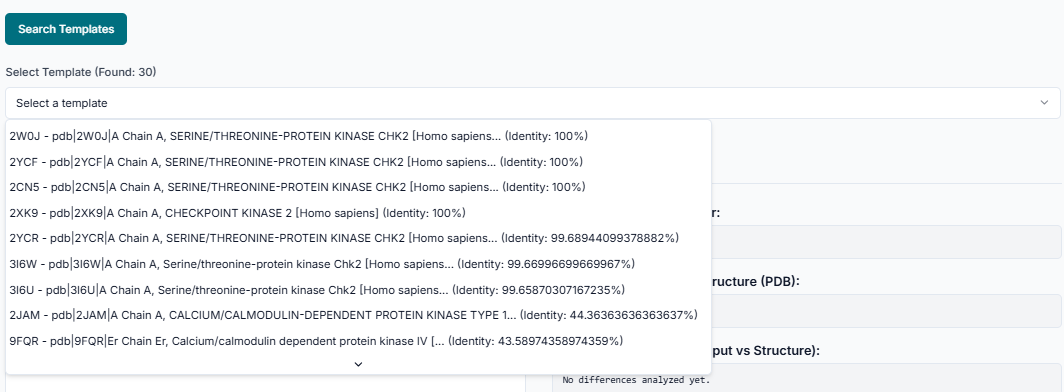
From the list of templates found, "Select Template" that you believe is the most appropriate for your study. You can review the details of each hit to make an informed choice.
Once your desired template is selected, click the "Submit for Modelling" button. This will initiate the process of building your 3D protein model based on the alignment between your sequence and the chosen template.

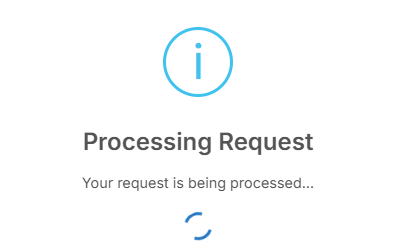
Your request is now "Processing". The platform is constructing the coordinates for your protein model. Please wait for this computational step to complete.
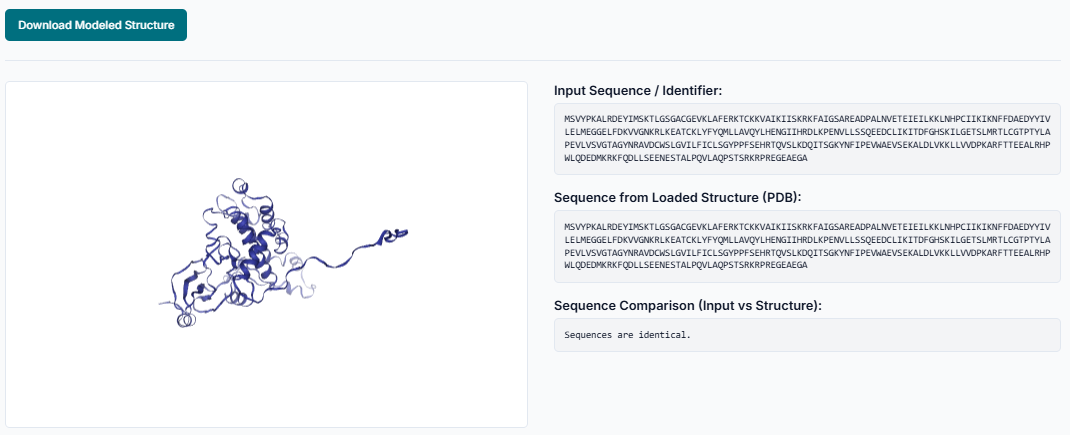
When the modelling is finished, a download link will appear. Click "Download Modelled Structure" to save the predicted protein structure as a PDB file to your computer for visualization and further analysis.
Method 2: User-Defined Template Modelling
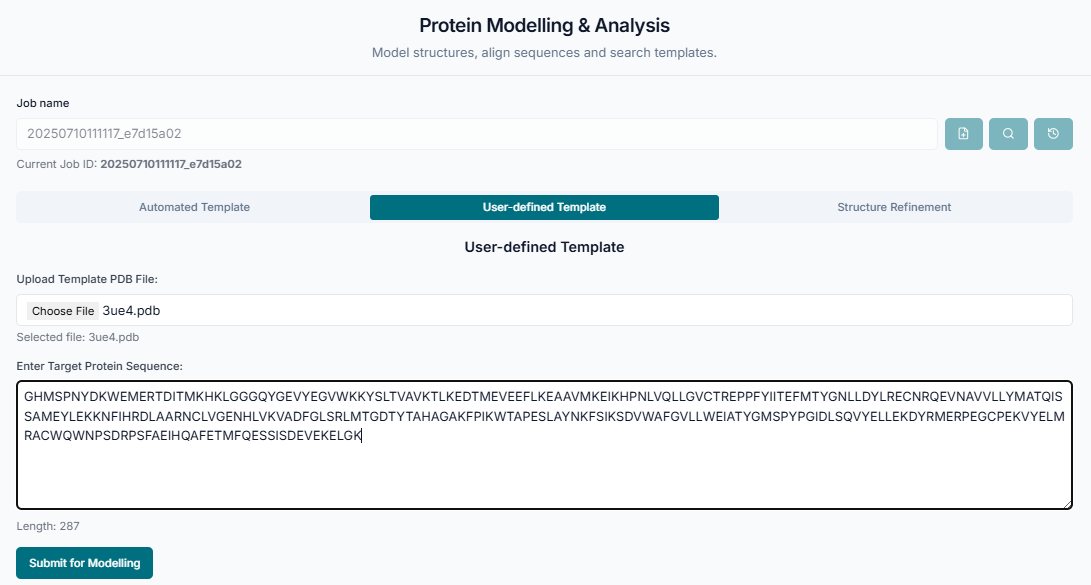
The second method is User-Defined Template modelling. This option is ideal when you already have a specific PDB structure you want to use as a template. Simply upload your sequence and your chosen template PDB file to begin.
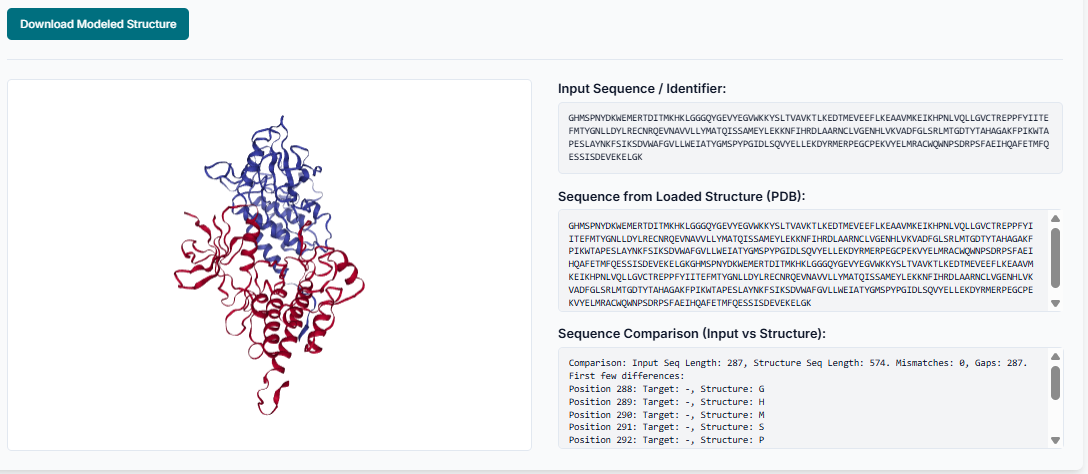
After the tool builds the model using your custom-provided template, you can click "Download Modelled Structure" to save the final PDB file.
Method 3: Structure Refinement
The third method is Structure Refinement. This is used to improve the quality, fix errors, or optimize the geometry of an already existing 3D protein structure, such as one from an experiment or a previous prediction.

To start the refinement, you can directly "Enter PDB ID" of a protein from the Protein Data Bank that you wish to refine.
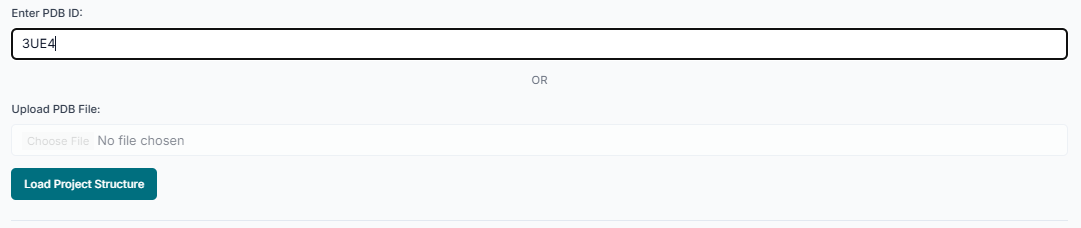
Alternatively, if you have the structure as a file on your local machine, you can "Upload PDB File" to submit it for refinement.

Once the refinement process is complete, click "Download Modelled Structure" to save the newly improved and optimized protein structure.
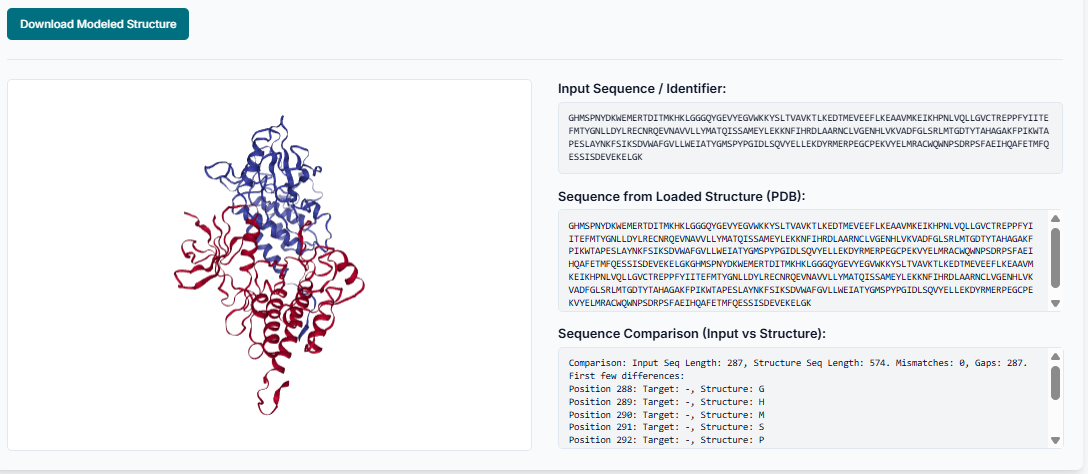
So, by using the Protein-Modelling tool, you have successfully predicted or refined a protein structure using the method best suited for your research objective.